 SignMixer
Make it yours
Build menus and specials, upload your own images or videos, and create slides for landscape or portrait screens.
DIGITAL SIGNAGE FOR BUSINESS
Turn your TVs into menu boards, promotion displays, and event signs. Create your slides, set when they play, and update your screens from one browser.
Build menus and specials, upload your own images or videos, and create slides for landscape or portrait screens.
Arrange slides into playlists and choose how they change, including crossfade, push, wipe, and zoom dissolve.
Schedule what plays, update screens remotely, and add live weather, calendar events, or news.
Show news, weather, and upcoming events on landscape TVs and portrait displays.
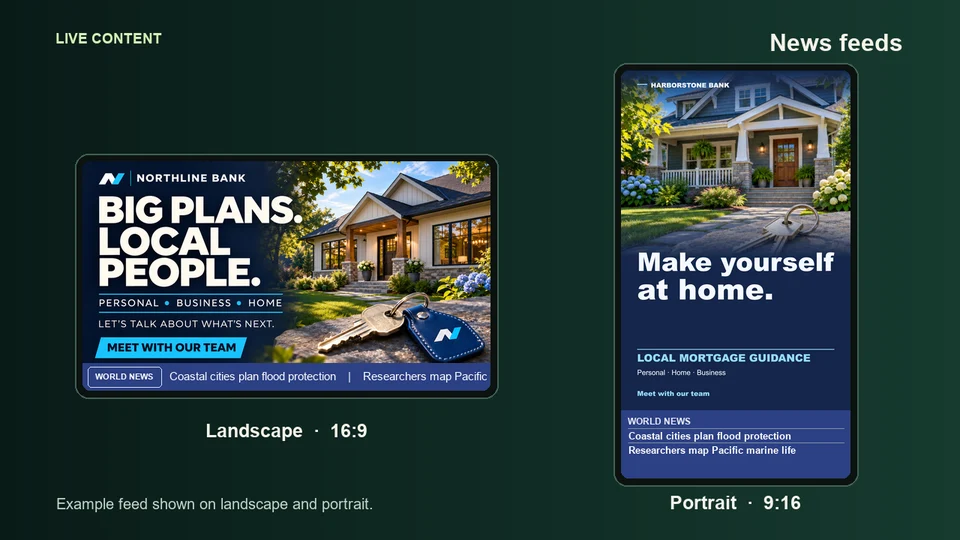
Display local or world headlines full-screen or in a scrolling ticker.
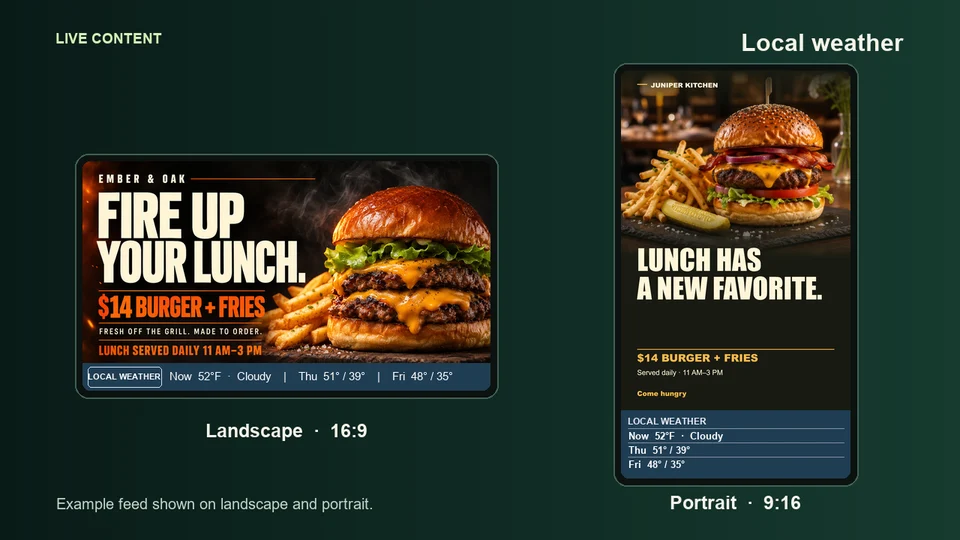
Add a forecast to your signage or give weather a screen of its own.
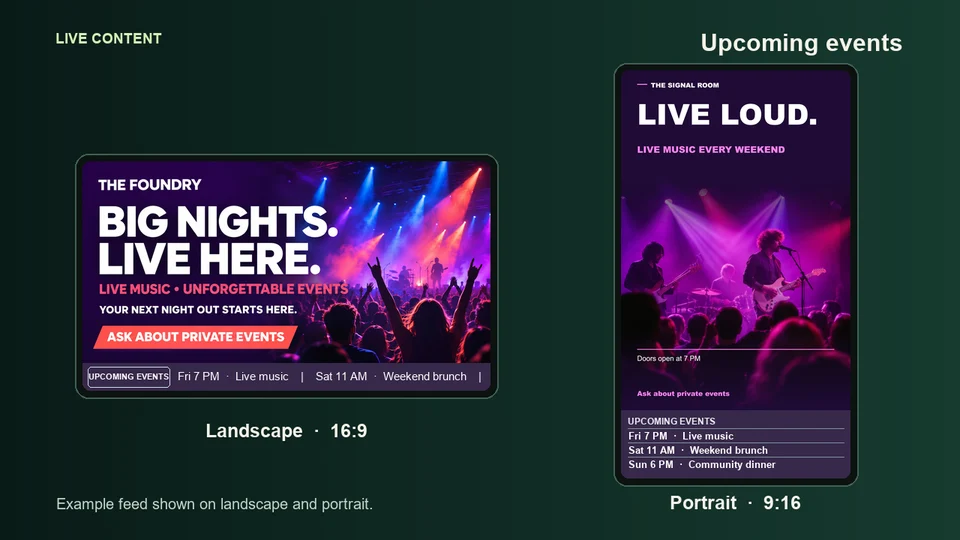
Connect an ErieCalendar feed to show the next events without retyping them.
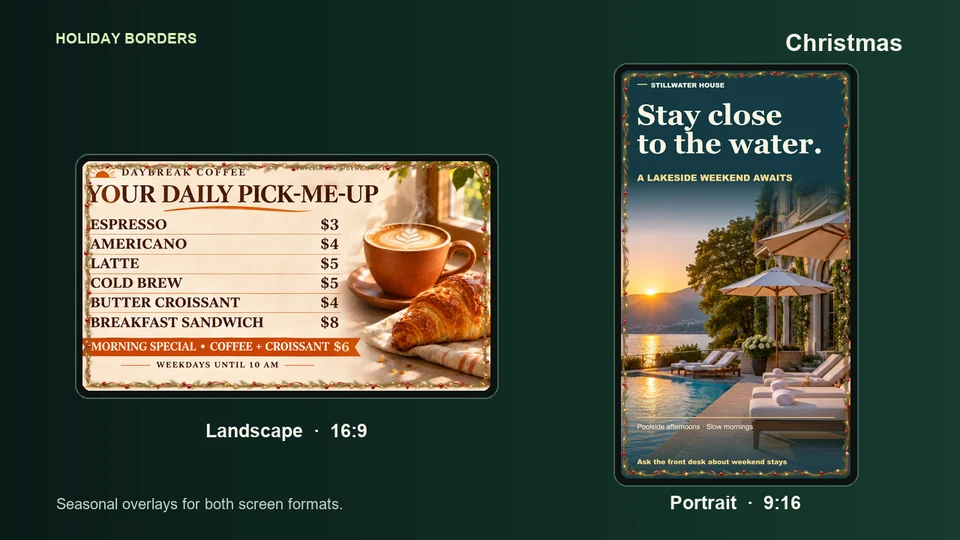
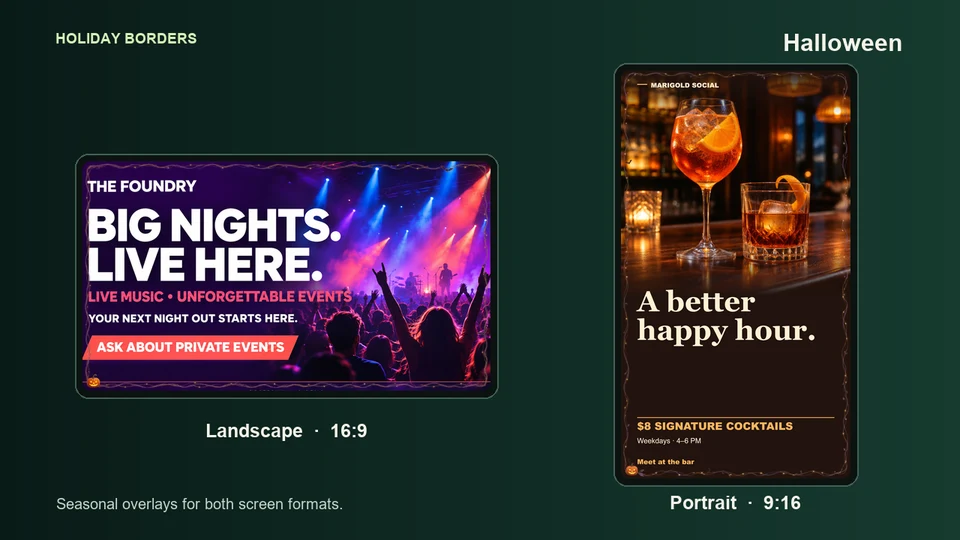
Add a seasonal border around your signage in either orientation.
Put the right information where your customers already look.
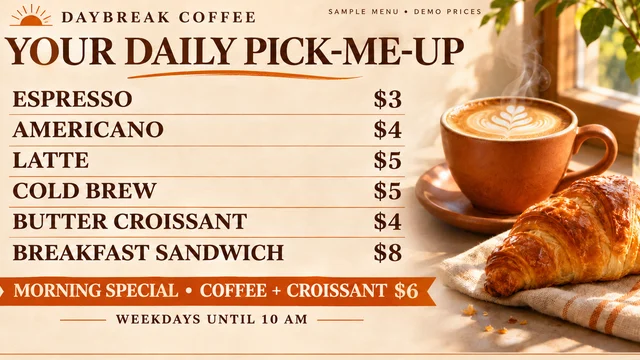
Rotate breakfast, lunch, and happy-hour menus on the same screen.
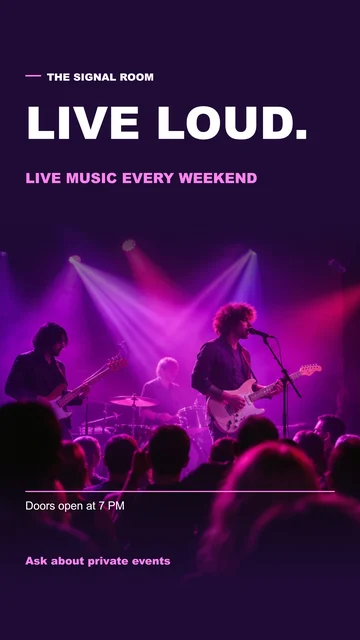
Welcome guests and show what’s on, where to go, and what’s nearby.

Put service prices, seasonal offers, and vehicle promotions in front of waiting customers.

Show class times, membership offers, and last-minute schedule updates.

Highlight services, product specials, and new arrivals at the front desk or in the window.

Share branch announcements, product information, and community events in the lobby.